Accept remote payments from anywhere with Pay by Link
Create and manage payment links in seconds
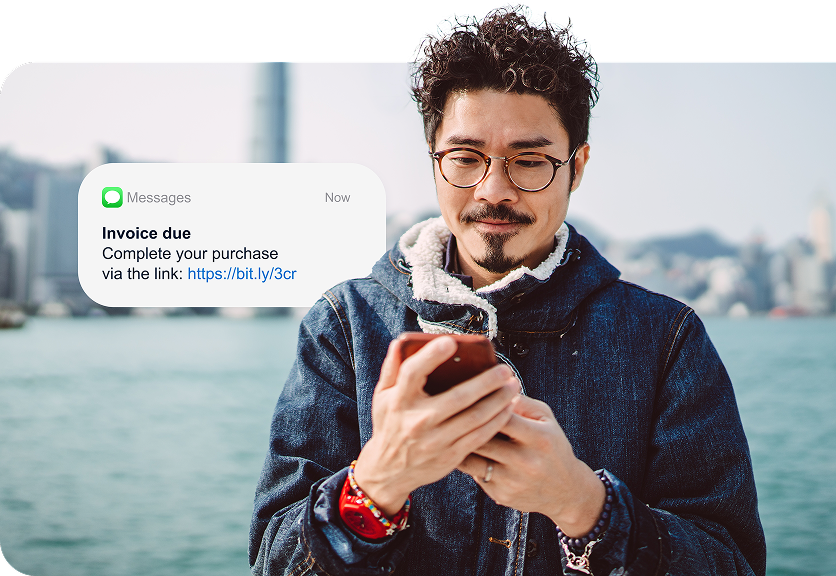
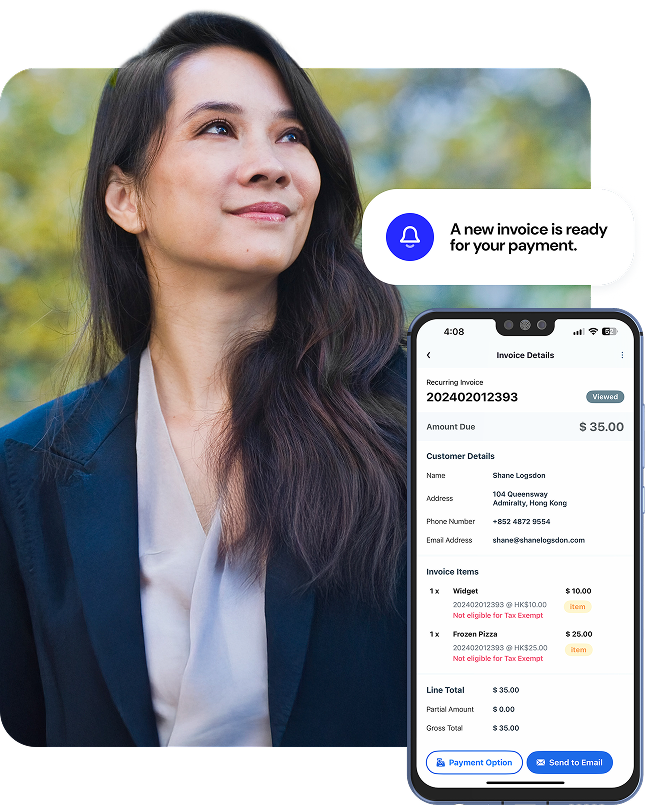
Making payments just got easier for everyone — simply send a payment request link via email, text or messaging app. Our ready-to-use Pay by Link solution offers the security and flexibility you need for a variety of payment scenarios.
PCI DSS compliant solution
One-off and recurring subscription flexibility
Real-time payment status and reporting
No need for integration or web development
3-D secure authentication shifts liability during chargebacks

Take payments over the phone without a website
Save on costly website development and system integration by taking advantage of remote pay and phone payments solutions. You’ll get access to a wide range of features without ever needing a website.
Accept payments anywhere you have internet
Use any online device — no website needed
Skip troubleshooting with easy setup
Track payments status with real-time reporting
Take orders and payments in the same phone call or email
Support multiple payment types and currencies



Grow your business fast with Pay by Link

0% interest installment plan with Pay by Link
Generate secure payment links with ease
Create your secure payment link in just a few clicks
Head to the Pay by Link app or your Merchant Management account online. Enter payment details, like how much you’d like to charge, and you’re ready to share your single-use link.
Send the payment link through your preferred channel
Ready to get paid? Just embed your link or QR code in the message to your customers. We support email, text, WhatsApp, Facebook Messenger, iMessage and other channels.
Ask the customer to enter and verify their card details
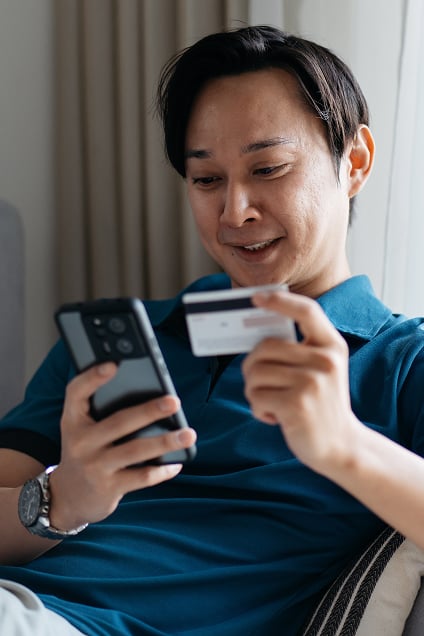
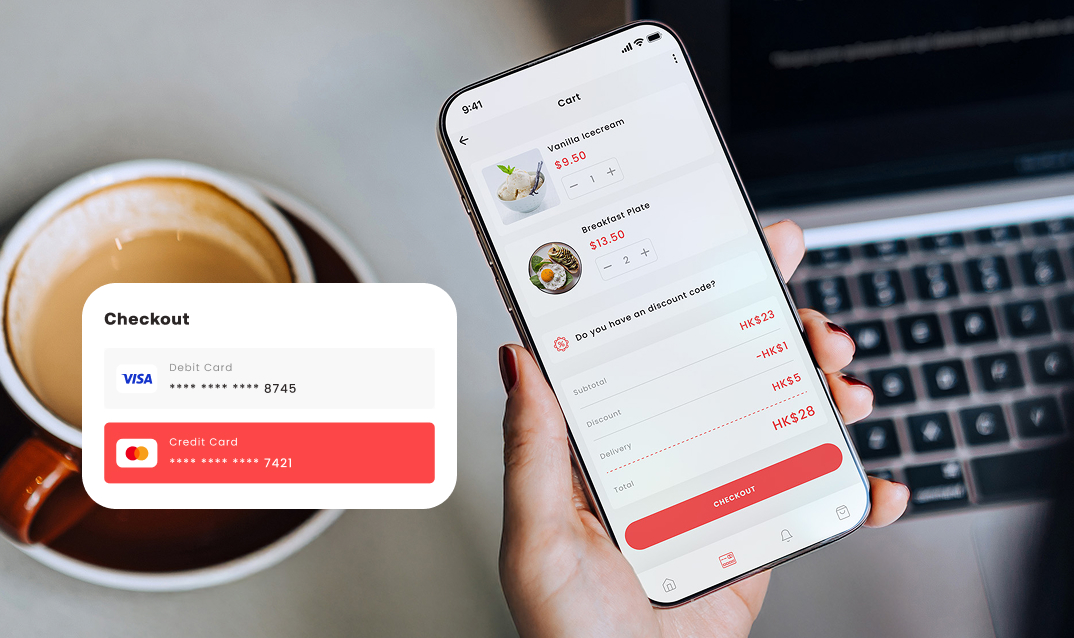
When customers click on the link, they’re driven to your secure payments page. There, they can choose to enter their card details or pay by digital wallet to complete the transaction.
Pay by Link FAQs
Yes, it is safe. When you create a single-use link or a QR code, it’ll take customers to a secure payments page where they can enter their card details. Every transaction through a link should request authentication using Strong Customer Authentication (SCA), which we provide, to give you and your customers peace of mind.
Our links and QR codes can be shared via a wide range of channels. You can add them to an invoice, email, text, Whatsapp, Facebook Messenger or iMessage — even digital ads, printed brochures and more.
You can create a payment link or QR code in one of two ways: opening the Pay by Link app or logging into your online Merchant Management system. Just enter key payment details, like the preset amount you need to charge in the invoice. then share the link with your customer.
No. It’s one of the big benefits of using our solution. All you need is an internet-enabled device, like a phone, tablet or laptop, where you can log in to your account and send links.
Yes, it’s easy to view and track orders in real-time. You can also cancel payments, update settings and even send receipts through our pay by link solution. To see all your transactions, just log in to your account online.
Yes, you can. There’s an option in your account to schedule or send notifications reminding customers when their payments are due.
Yes. You can add your own branding to make your unique link match the rest of your payment experience. You can also set how long you want a link to stay live before it expires.